Prioritise software compatibility, comfortable input and realistic battery headroom. A portable computer you can charge easily is often more useful than a faster one that stays at home.
Describe the day before choosing the computer
Picture a Tuesday that starts with an invoice at the kitchen table, continues with a train journey and ends in a client meeting. The laptop needs to fit those spaces, not just a neat desk in a product photograph. List the applications you open, the files you carry and the longest stretch between sockets. Include the charger, because it travels with you too. A machine that feels light on its own can become a substantial load once its power supply and adapters join the bag.
This guide is a purchasing framework based on published information, rather than a battery comparison from our own lab. We do not declare a universal winner. Someone using browser tools and documents needs a different shortlist from an engineer running specialist desktop software. Begin with those requirements, then compare the exact configurations available in your region.
Set the compatibility gate first
Ask your employer whether your required tools support the proposed operating system and processor platform. Do not assume a familiar application name means every plugin, driver or security tool will work. Company VPN software, smart-card readers, accounting add-ins and printer utilities can be decisive. If the business manages computers centrally, get its requirements before paying for a personal machine. A discount loses its appeal when IT cannot enrol the device.
For a Windows shortlist, Microsoft's system requirements provide a basic compatibility reference; they are not a recommendation for comfortable professional use. Our editorial starting point for regular multitasking is 16GB of memory, with more worth considering for demanding local workloads. That is a judgement about purchasing headroom, not a promise that a particular workload needs exactly that amount. Memory configuration and upgrade options must be checked model by model.
Read battery claims as context
A manufacturer's stated runtime describes its own test conditions. Your video calls, screen brightness, poor wireless reception and background applications may create a different result. Compare published methods where they exist, rather than treating every headline hour as equivalent. If you need six uninterrupted working hours, a claim of six hours leaves little room for the difference between a test and your day. Aim for headroom and keep a charging plan.
USB-C charging can simplify travel, but confirm the laptop's supported power input and the charger's output. A phone adapter with the right connector may be inadequate for a computer. A shared multiport adapter may also change its power allocation when another device is connected. Read the output table and budget for a compatible cable instead of buying by total wattage alone.
Buy the screen size you will actually carry
A smaller display suits train trays and short meetings. A larger one makes side-by-side documents easier to read but competes with your notebook and lunch in the bag. Before purchasing, place a similarly sized object on your normal working surface. Think about elbow room, viewing distance and whether you need larger text. Resolution does not replace physical space when several windows need attention at once.
If most serious work happens at a desk, a compact laptop plus a separate monitor can make sense. If you spend whole days in temporary spaces, the larger screen may save you from carrying an external display. Check the exact laptop's external-monitor support and its ports; compatibility cannot be inferred from the USB-C shape. Include any dock in the comparison cost.
Pay attention to the parts you touch
Keyboard layout matters when typing is your job. Confirm the location of arrow keys, the availability of a number pad if needed and the regional layout supplied by the retailer. An imported bargain can introduce daily friction. When possible, try the keyboard and trackpad in a shop using ordinary tasks: a paragraph of text, a spreadsheet selection and a precise drag. A few minutes cannot prove long-term durability, but can reveal an immediate mismatch.
Check the camera placement, microphone options and whether your headset needs an adapter. Do not judge meeting quality solely by a camera's pixel count. Lighting, application compression and network conditions also affect the call. For someone presenting frequently, a stable stand and useful headset may improve the overall setup more than moving up one processor tier.
Shortlist by working style
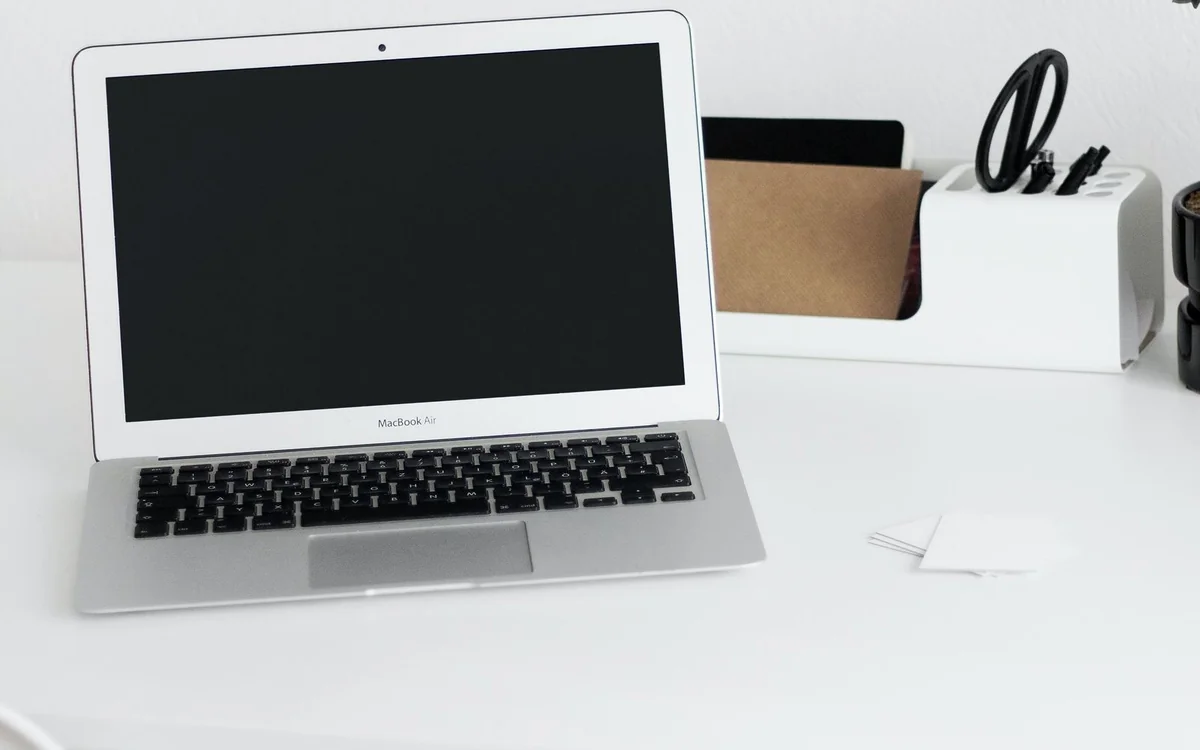
The MacBook Air family is worth examining for people whose applications fit macOS and who want a conventional portable notebook. Our separate M4 analysis discusses the 2025 model; Apple's current store may carry a different generation. Match the listing to the model number before comparing specifications. A Surface Laptop is an alternative starting point for a Windows workflow, but its exact platform, ports and software compatibility still need scrutiny.
Neither recommendation replaces the compatibility gate. A creative freelancer should check colour requirements and storage habits. A consultant should check client file formats and docking arrangements. A travelling accountant should check specialist software first. Purchase the least expensive configuration that meets those concrete requirements with useful headroom, rather than adding features because a retailer labels them professional.
Make the return window useful
Once the computer arrives, recreate your normal working day before the return period ends. Install approved tools, join a meeting, connect the actual monitor and open a representative project. Watch whether the laptop remains practical on your usual desk and whether the charger fits the bag. This is your acceptance check, not a benchmark contest. Keep packaging until you know that the system fits.
Finally, compare the complete basket: computer, power adapter, dock, protective sleeve and any required software. Check service arrangements and return terms in your country. A slightly dearer configuration can be the better purchase if it removes an adapter or avoids immediate storage pressure. Equally, unused premium hardware is money that could pay for a better monitor or an emergency replacement fund.
At a glance: choose for your routine
| Your situation | What to prioritise | The tradeoff |
|---|---|---|
| Train commute and client visits | Compact laptop, manageable charger and enough battery headroom for delays | A smaller screen leaves less room for side-by-side documents. |
| Spreadsheet-heavy work at temporary desks | Readable screen and a keyboard layout suited to frequent number entry | A larger computer occupies more bag and table space. |
| Company-managed software and peripherals | IT-approved platform and documented accessory compatibility | The best-supported configuration may exclude an otherwise attractive deal. |
| Mostly home-based work with occasional travel | Portable laptop that connects cleanly to the existing desk monitor | A dock or adapters add to the complete purchase cost. |
Options to consider
Compare the exact model, configuration and local warranty before ordering. Prices and availability can change; the links below open official product or brand information.
MacBook Air family
A shortlist for portable work when the required applications support macOS.
Consider the tradeoff: The live store may show a newer generation than the M4 model discussed elsewhere.
Explore at the official siteMicrosoft Surface Laptop
A Windows notebook family to compare against your employer’s requirements.
Consider the tradeoff: Check the exact processor platform and software compatibility before ordering.
Explore at the official siteYour questions answered
Is 16GB enough for office work?
It is our sensible starting point for documents, browser work and calls. Large datasets, virtual machines and creative projects can justify more; inspect your current workload before upgrading.
Can I use a phone charger?
Only if its supported output and cable meet the laptop’s requirements. The connector alone does not establish compatibility.
Sources & methodology
- Apple: M4 MacBook Air specifications
- Microsoft: Windows 11 requirements
- Microsoft: Surface Laptop models
Sources checked 7 October 2026. Recommendations are editorial judgments based on documented features, compatibility and everyday scenarios. Manufacturer performance figures are claims, not our measurements. Read our editorial policy.