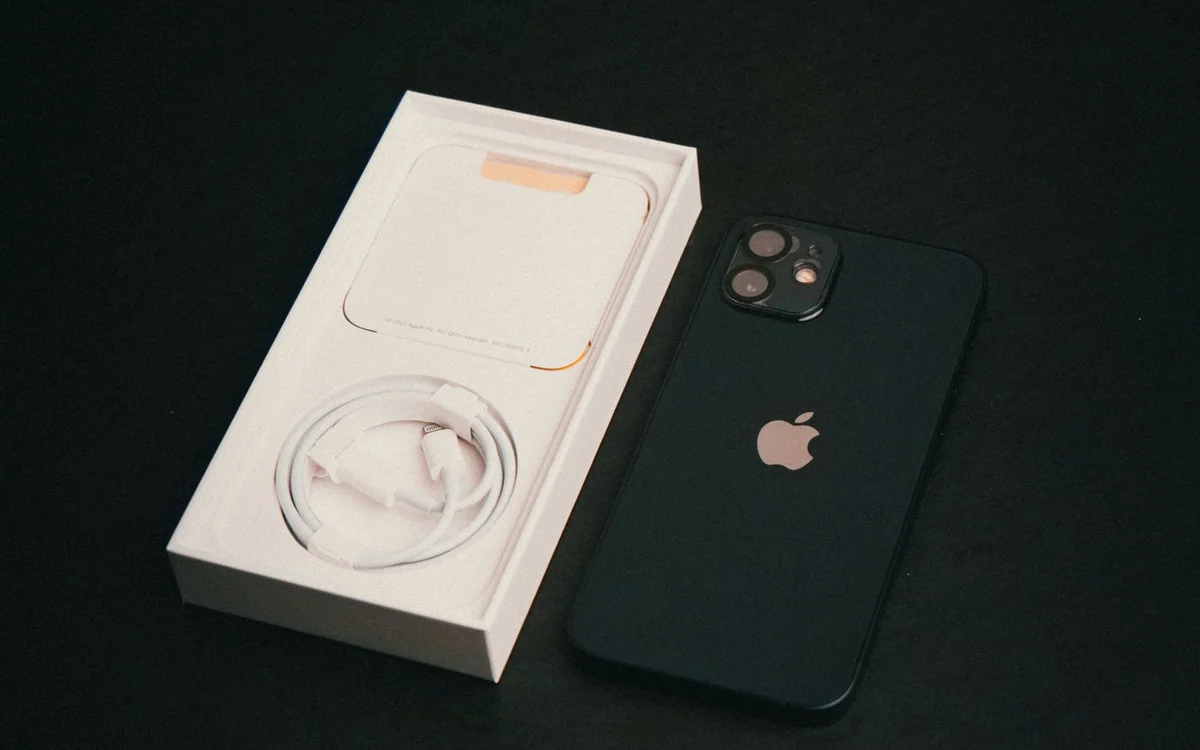
Use your current storage breakdown, expected growth and offline habits to choose capacity. Cloud storage helps organise content but does not make local space irrelevant.
Your current phone contains the best starting evidence
Buying storage by habit is easy. You choose the capacity you had before, or move up one tier because it feels safer. A more useful approach starts with the storage breakdown on your current device. Apple's support guide explains where iPhone and iPad storage information appears. On another platform, use the equivalent settings screen and examine the largest categories rather than relying on the single total.
This article offers planning advice, not a claim that everyone needs a particular capacity. A person who records long holiday videos needs a different buffer from someone using messaging and a handful of apps. The labels 128GB and 256GB describe configuration choices; actual usable space also depends on formatting, the system and installed software. Leave room rather than planning to fill the entire advertised number.
Separate what you need from what you forgot
Review the biggest applications and downloads. Some content may be deliberately retained, while old podcasts, finished television seasons or duplicate exports may simply have been forgotten. Clear only material you understand and have backed up if necessary. Do not delete a messaging app or local document library without checking what would be lost and whether recovery is possible.
Then record the occupied space after sensible cleanup. That number is a better baseline than a phone crammed with unused downloads. Yet avoid an unrealistically strict plan that assumes you will manage storage every weekend. Choose capacity for habits you can sustain. If you dislike housekeeping and want several years of photographs on the device, additional storage may be a practical convenience rather than waste.
Photography and video need a growth estimate
Think about the coming year: a new child, a long trip, a hobby or an event you expect to record. Video habits can change storage needs quickly, especially when recording settings increase file size. Rather than guessing from a camera specification, inspect some representative files from your existing phone. Estimate how often you make them and how long you keep them locally.
Do not assume a new phone's images and videos will occupy exactly the same space. Settings, formats and content vary. The purpose of the exercise is to identify whether your library grows slowly or rapidly, not to produce a precise prediction. If a trip will involve extensive recording, plan both sufficient free space and a way to protect the files before the phone becomes your only copy.
Offline life is the often-missed requirement
Cloud access feels effortless until a train tunnel, poor hotel connection or data limit changes the situation. Maps, music, books and downloaded entertainment need room on the device when you want them available offline. Before travel, the phone may temporarily hold much more than its ordinary weekday load. Capacity should accommodate that peak, not just the quiet week in which you inspect settings.
List what you actually download for a journey and what you can stream when connected. A frequent commuter may keep a permanent offline library. An occasional traveller may load and remove content around each trip. Both approaches are reasonable. The correct storage tier follows the routine, while a bigger number chosen without considering downloads can still lead to frustration later.
Cloud storage and device storage solve different problems
A cloud plan provides an online storage allowance; buying it does not physically enlarge your handset. Some photo-management settings can reduce the local footprint, but you should understand which originals are available offline and how retrieval works. Apple publishes separate guidance for managing iCloud storage. Read the settings relevant to your setup rather than assuming every backed-up file automatically disappears from the device.
Include subscription costs in the decision. A smaller phone with a continuing cloud plan can be the right choice when that service also supports your backup and sharing needs. It is less appealing if you would be paying mainly to work around a capacity you knew was insufficient. Compare the service over your expected ownership period, and remember that local downloads still need space.
Match capacity to a specific scenario
For light use, a smaller configuration can be sensible when your current library fits comfortably, growth is modest and you manage downloads deliberately. A larger middle tier becomes attractive when you take frequent photos, keep messaging history and want room for trips without constant cleanup. Higher capacities are worth evaluating for substantial video projects or unusually large offline libraries, not merely because they are available.
These are scenarios, not universal thresholds. Check whether the model offers the capacities you want in your region, and compare the upgrade cost with competing phones. Do not infer storage expansion from the presence of a SIM tray or from a previous device. Verify the exact model's specification. If storage cannot be expanded later, this choice deserves attention before checkout.
Make the decision with a simple written plan
Write down current occupied space, likely growth, travel downloads and a comfortable buffer. Note what will be archived elsewhere and how often you will do it. The result does not need mathematical precision; it needs to reveal whether the proposed capacity leaves freedom or demands constant management. If two tiers both fit, choose based on the actual cost difference and how much you value that freedom.
Finally, protect the data regardless of capacity. A large phone is not a backup system. Keep important files recoverable through a separate method and verify that you know how to restore them. Storage advice often ends with an upgrade recommendation, but the better outcome may be a smaller configuration and better habits, or a larger one that removes repeated inconvenience. Buy for the life you expect to lead, then keep the files safe.
At a glance: choose for your routine
| Your situation | What to prioritise | The tradeoff |
|---|---|---|
| Light app use with regular photo archiving | A smaller capacity with comfortable room after sensible cleanup | The plan depends on housekeeping you will realistically maintain. |
| Growing photo and messaging history | Additional local headroom for several years of ordinary use | Pay only for capacity that addresses actual growth rather than automatic tier upgrades. |
| Trips with offline films, music and maps | Capacity for the temporary travel peak as well as normal weekday use | Content in an online library is not necessarily available without a connection. |
| Frequent video projects or a large offline collection | Estimate growth from representative files and retain recoverable copies | Higher local capacity is useful but still does not constitute a backup. |
Options to consider
Compare the exact model, configuration and local warranty before ordering. Prices and availability can change; the links below open official product or brand information.
Apple iPhone configurations
Compare the exact storage options for the iPhone model you intend to buy.
Consider the tradeoff: Cloud capacity is separate; include subscription and accessory costs.
Explore at the official siteGoogle Pixel configurations
Check available capacities on the official model pages before choosing a listing.
Consider the tradeoff: Storage choices differ by model, region and sales channel.
Explore at the official siteYour questions answered
Does iCloud add storage to my phone?
No. It provides separate online storage. Some settings can reduce local content, but offline files and applications still use device space.
Should I automatically choose 256GB?
No. Audit your current usage and expected growth. Choose it when the added room solves a real problem at a reasonable configuration cost.
Sources & methodology
- Apple: checking iPhone and iPad storage
- Apple: managing iCloud storage
- Google: Pixel hardware storage specifications
Sources checked 7 October 2026. Recommendations are editorial judgments based on documented features, compatibility and everyday scenarios. Manufacturer performance figures are claims, not our measurements. Read our editorial policy.