Choose a charger around your laptop's supported USB-C input and its shared-port power allocation. A larger headline wattage is only useful when the ports deliver the combination your trip needs.
Start with the hotel-desk problem
A work trip often involves a laptop on the desk, a phone needing directions the next morning and earbuds charging beside the bed. Packing three wall adapters solves those jobs, but it also means more weight, more loose parts and competition for the few accessible sockets. A multiport GaN charger can simplify the kit when every device supports the connections it offers. The important decision is which devices need power simultaneously, rather than how many ports look impressive in the product photo.
This guide uses published manufacturer information and practical buying analysis. It does not report hands-on charging tests. Before buying, write down your laptop's model, its original adapter rating, the phone's charging requirements and whether any accessory still needs USB-A. Those details turn a vague search for a travel charger into a short compatibility check.
Read the single-port figure first
A charger advertised with a total power figure may distribute that power among several outputs. The laptop cares about the power available from its particular USB-C port and the charging profiles both devices support. Check the manufacturer's single-device table, then find the table for the exact pair of ports you intend to use. If the product page does not explain power allocation clearly, that is a reason to choose a better-documented alternative.
For a laptop that normally uses a modest USB-C adapter, a compact charger may be enough. A performance laptop can have more demanding requirements or a proprietary power input, even when it also has a USB-C socket. Consult the laptop maker's documentation instead of assuming that the connector guarantees charging support.
Match the charger to your travel routine
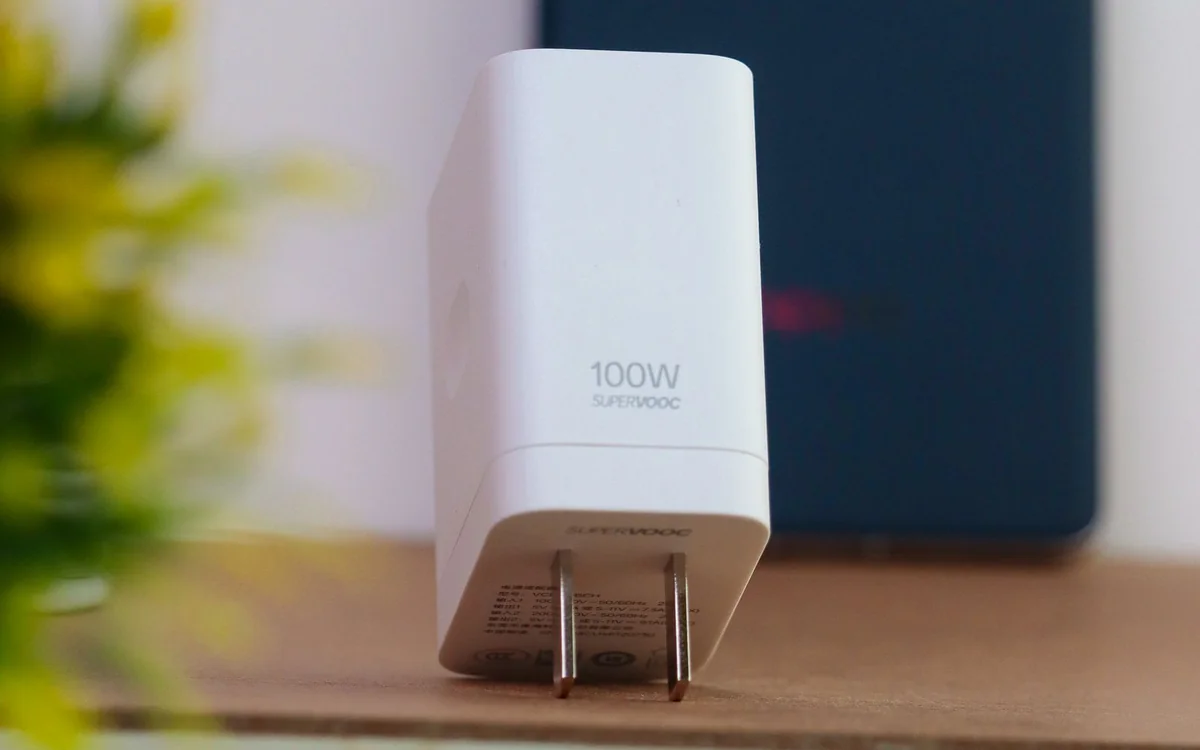
For light business travel, the Anker Prime Charger identified as A2688 is a sensible reference point: Anker lists it as a 100W, three-port GaN model. That description is a verified specification, not a promise that every connected device receives its preferred maximum simultaneously. Its official listing is the place to compare the available port combinations against your laptop and phone.
If your routine is mostly phone charging with occasional tablet use, a smaller adapter can be the better purchase. If you edit video at a hotel desk while charging several accessories, consider a more capable model only after checking the laptop's requirements. Avoid buying a bulky charging station for a trip where its extra outputs will remain empty.
GaN is useful, but it is not the whole choice
GaN refers to the semiconductor technology used in the charger. The label is often associated with compact designs, but it does not establish cable quality, port allocation, durability or compatibility by itself. Treat it as one feature within the product, alongside a clear specification sheet, appropriate regional certifications and accessible support. A neatly documented charger is easier to troubleshoot than a mystery adapter carrying a larger number on its casing.
Consider the shape as carefully as the weight. A wide body can crowd neighboring sockets; a deep body can be awkward behind furniture. Folding prongs help with packing where available, while a separate mains lead changes the way the charger sits on a desk. The best form depends on where you usually charge.
Make the cable part of the purchase
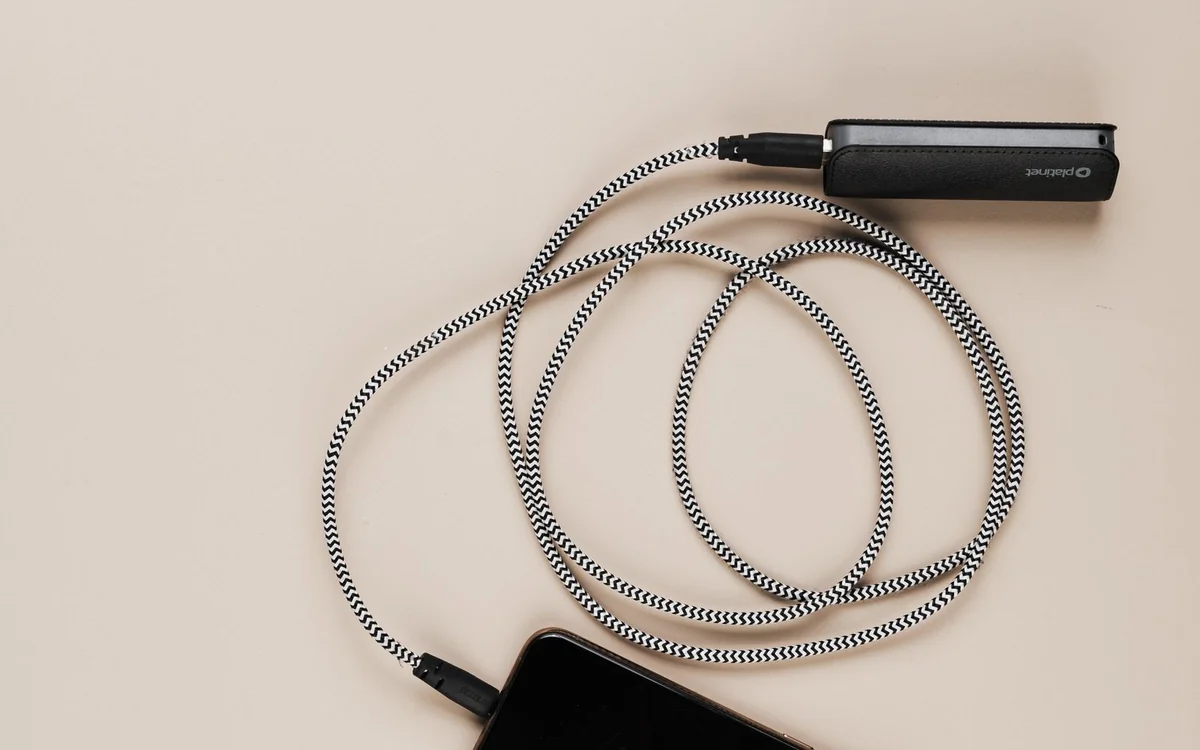
A suitable charger paired with an unsuitable cable can leave the laptop charging slowly or refusing the desired charging mode. Check the cable's declared power rating rather than relying on the USB-C connector shape. USB-IF provides separate power-rating guidance for certified USB-C cables. Data-transfer capability is another specification, so an expensive fast-data cable is not automatically necessary for a cable used only to charge a phone.
Pack one cable long enough to reach a usable hotel socket without pulling the laptop toward an edge, and keep a shorter cable for the phone. A cable organizer can be more useful than another adapter. Where practical, carry an already compatible spare cable so a damaged connector does not derail a working day.
Plan for the destination socket
Confirm the charger's input voltage range and the destination's socket type in the manufacturer's documentation before traveling. A plug adapter changes physical fit; do not assume it changes voltage. Check whether the adapter is appropriate for the charger and the destination. If you are uncertain about that combination, buy a region-appropriate charger or seek the manufacturer's advice rather than improvising.
Think about how the setup will behave on arrival. One multiport charger is convenient, but it also creates a single point of inconvenience if you leave it behind. Keep an essential phone charging option accessible during the journey, and do not bury the only useful cable at the bottom of checked luggage.
Buy for a real combination, not an imagined upgrade
Compare the full purchase: charger, suitable cables, any necessary plug adapter and the support offered by the seller. Check the current price on the official listing and reputable retailers, since promotions and regional bundles change. A bundle is good value only if the included cables are useful lengths and have the ratings your devices require.
There is no need to pay extra for the highest total output if a laptop and phone already charge satisfactorily with a smaller model. Equally, saving a small amount on an adapter with unclear specifications can introduce daily frustration. The sensible middle ground is a documented charger sized for your simultaneous workload, with enough flexibility for one foreseeable device change.
The short shopping checklist
Before checkout, verify USB-C charging support on the laptop, the power from your chosen port, the allocation with other ports occupied, the cable's rating, the input range and the regional plug. Check the dimensions against your travel pouch and the seller's return conditions. Those are purchase decisions you can make from reliable documentation without pretending that a specification sheet is a laboratory test.
After purchase, try your actual laptop-and-phone combination at home while a return remains possible. Observe whether the laptop reports charging normally and whether the connectors fit without strain. If the setup behaves differently from the published documentation, ask the manufacturer for help before committing it to a trip.
At a glance: choose for your routine
| Your situation | What to prioritise | The tradeoff |
|---|---|---|
| Laptop and phone at a hotel desk | Verify output from the laptop port while the phone port is occupied | A larger total wattage does not establish the shared-port combination. |
| Phone-first weekend bag | Choose documented phone compatibility and a compact body | Extra laptop-class outputs can add bulk without a useful job. |
| Several devices during evening work | Read every intended port combination and count suitable cables | A multiport adapter concentrates the kit around one wall charger. |
| International work trip | Check input range, regional socket fit and the required adapter | Physical plug adaptation does not establish voltage compatibility. |
Options to consider
Compare the exact model, configuration and local warranty before ordering. Prices and availability can change; the links below open official product or brand information.
Anker Prime Charger A2688
Officially listed as a 100W three-port GaN charger; a useful candidate for a documented laptop-and-phone travel kit.
Consider the tradeoff: Check the multiport allocation and your laptop's supported charging profiles.
Explore at the official siteYour questions answered
Will a high-power charger force too much power into my phone?
Compatible USB Power Delivery devices negotiate charging, but you still need a suitable, correctly specified charger and cable. Check your phone maker's guidance.
Should I replace a working laptop charger?
Only if a smaller or multiport kit solves a real travel problem. Keeping the original adapter can be the most economical option.
Sources & methodology
Sources checked 7 October 2026. Recommendations are editorial judgments based on documented features, compatibility and everyday scenarios. Manufacturer performance figures are claims, not our measurements. Read our editorial policy.