Buy a USB-C cable for a named task and check power, data and video support separately. A reliable charging cable does not need the same specification as a dock or high-speed storage cable.
One connector, several different jobs
The cable drawer becomes confusing when every plug looks alike. One USB-C lead charges a phone comfortably, another transfers camera files slowly and a third works with a monitor only when connected to a certain laptop port. The shape of the connector does not reveal the whole capability. A better buying strategy is to define the job before choosing the cable: charging, data transfer, display connection or a combination through a dock.
This guide explains the purchase using standards guidance and published product information. It does not report cable measurements or compatibility tests. Treat the cable, the device port and the accessory as one connection: the result depends on all three, not simply the most expensive component.
Power rating and data speed are separate
USB-IF's cable power-rating guidance distinguishes declared power capability. That rating helps you select a lead for a charger and device, but it is not a data-speed promise. A cable suitable for high-power laptop charging can still be intended for basic data transfer. Conversely, a cable marketed for fast data should also state its power capability if you plan to charge a computer through it.
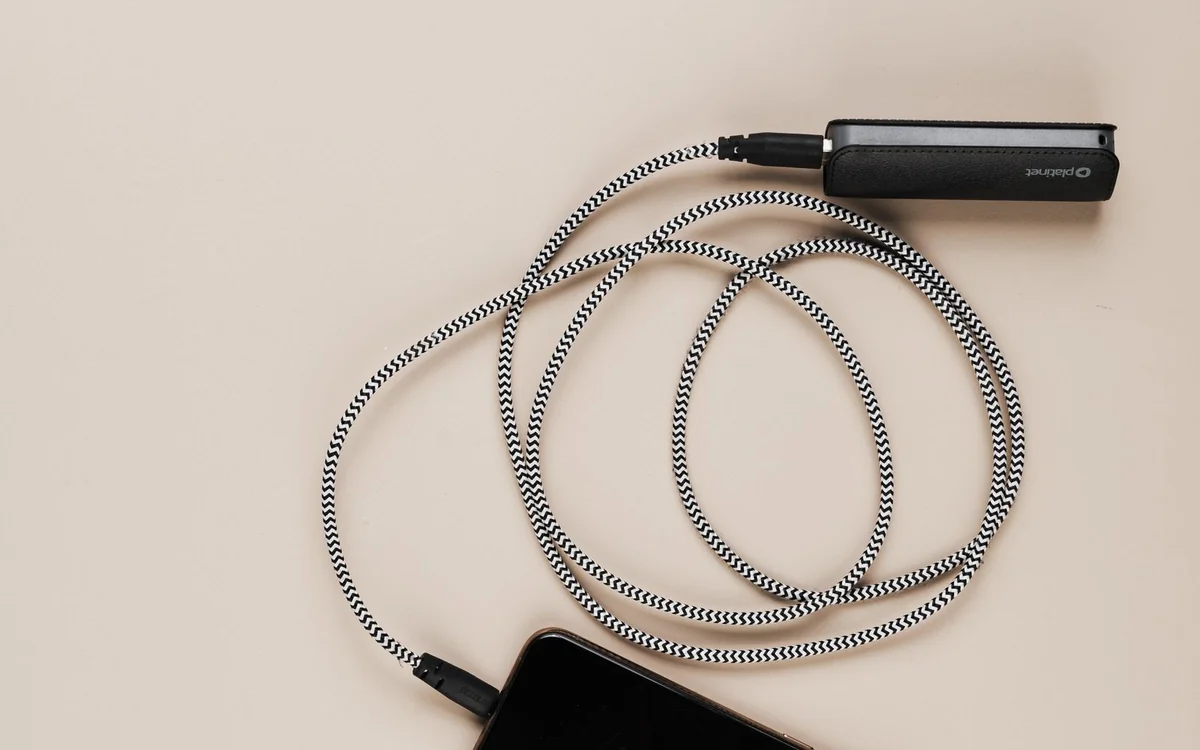
For a phone charged overnight, prioritize a documented power rating compatible with the phone and charger, a comfortable length and durable strain relief. Paying for the fastest data specification brings little benefit when the cable never connects to a storage device. Keep the retailer's specification sheet rather than relying on packaging shorthand.
Choose charging cables by the complete chain
Start with the device manufacturer's charging requirements, then check the wall adapter's supported output and the cable's rating. A larger number on the cable does not force the device to charge faster; the compatible components determine the charging mode. If the laptop requires capabilities the adapter does not provide, changing only the cable will not solve the mismatch.
Cable length should fit the furniture. A longer lead can prevent a phone falling from a nightstand when someone moves in bed, but unnecessary loops make a desk harder to manage. Measure the usable route from adapter to device, including a little slack, and avoid sharply bending the cable where it enters a connector.
External drives need an explicit data specification
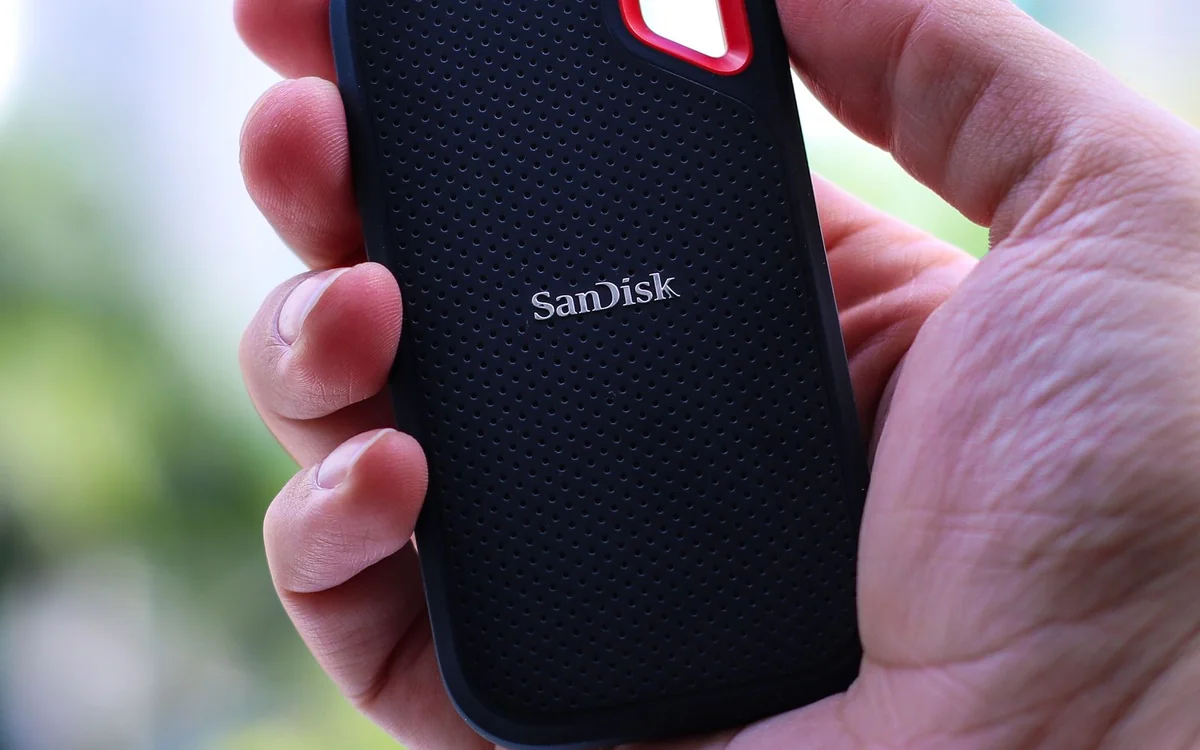
Moving holiday videos to an external SSD is a different task from charging a phone. The cable needs a data capability appropriate to both the drive and the computer's port. Manufacturers often include a cable selected for the drive, so try that documented combination before buying a replacement. If you replace it, match the actual interface requirement rather than buying solely on the phrase USB-C.
A faster cable cannot overcome a slower computer port or make every file transfer reach an advertised peak. Large single files, folders of small files, available storage and software all influence the process. Buy adequate bandwidth for the equipment you own, then evaluate whether a faster connection would save meaningful time in your workflow.
A monitor connection needs more than charging support
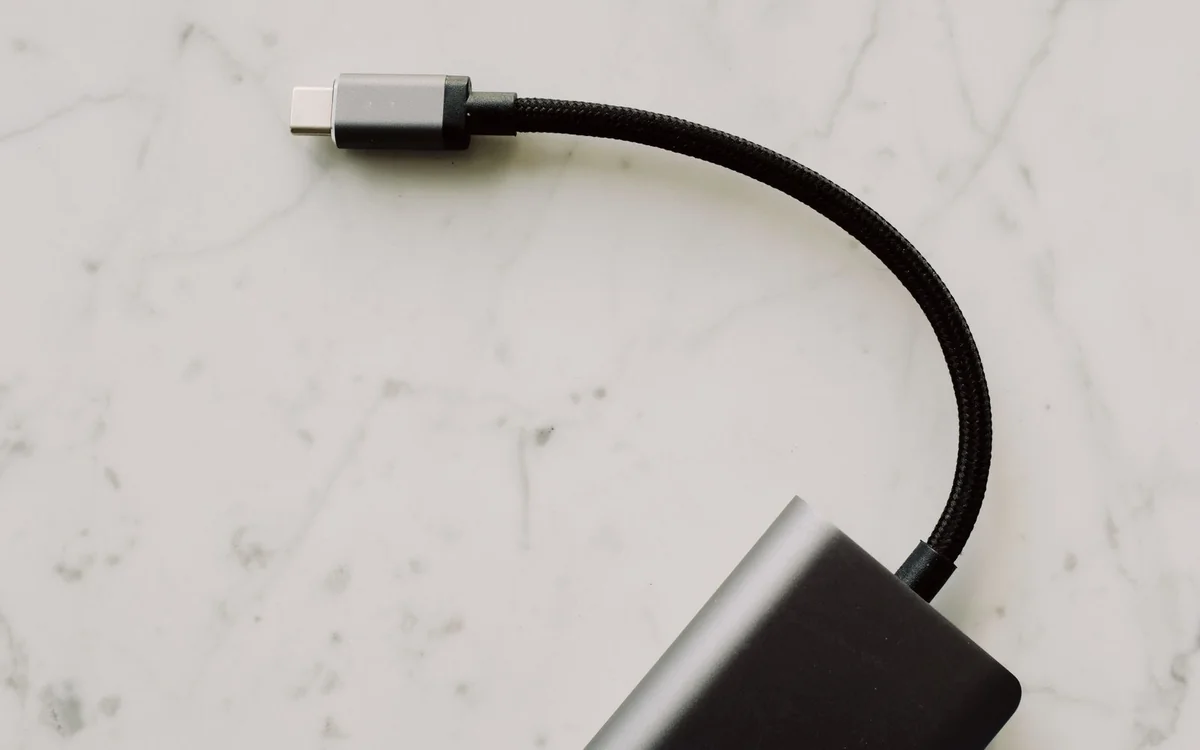
Connecting a laptop to a USB-C monitor or docking station requires checking the video capabilities of the laptop port, the cable and the display or dock. A charge-only or basic charging-oriented cable may not support the required video connection. Consult the monitor and laptop manuals for the connection they recommend; if they name a specific standard, use that information to narrow the shortlist.
Apple's Thunderbolt 5 Pro Cable is an example of a cable with a specifically named connection standard, rather than an ambiguous USB-C description. It is a candidate for compatible Thunderbolt equipment, not an automatic upgrade for every phone lead. Check the official listing and your hardware documentation before paying for capabilities you cannot use.
The useful cable kit is smaller than you think
For a typical home workspace, one clearly identified charging lead, the supplied monitor or dock cable and the external drive's original cable may cover almost everything. Label them by job if the plugs look similar. A small reusable tag saying laptop power or SSD is more useful than trying to remember which braided finish belongs to which specification.
Travel needs a slightly different balance. Carry a spare for the essential charging job, but do not pack every cable from the drawer. If the laptop and phone can share one documented charging lead, that simplifies the bag. Keep a specialized display cable only when you actually plan to connect to a compatible screen.
What makes a listing worth trusting
Look for explicit power and data ratings, the named connection standard, the length, the connector arrangement and an identifiable manufacturer. A listing that promises universal compatibility without explaining the supported modes is harder to evaluate. Genuine standards certification, where relevant and documented, is useful; a decorative badge without a traceable explanation is not a substitute for specifications.
Compare the actual buying cost with the inconvenience of a failed cable. The least expensive option may be reasonable for a spare phone charging lead from a reliable maker, while a daily docking connection deserves clearer documentation. Check current prices and return terms, especially if your hardware combination is unusual or uses a longer-than-standard cable route.
Troubleshoot before replacing everything
When a connection fails, check the port label and the manuals first. Try the original supplied cable and the intended device port. A laptop can have several USB-C sockets with different abilities, and a monitor may need a particular input selected. Keep the investigation focused on one change at a time so you can identify the mismatch rather than accumulate several unnecessary accessories.
Replace a cable that is physically damaged or no longer fits securely, following the equipment maker's advice. For an intact cable that simply cannot do a new job, move it to a role it supports and buy the appropriate specification for the new connection. That creates a useful kit without treating every older cable as waste.
At a glance: choose for your routine
| Your situation | What to prioritise | The tradeoff |
|---|---|---|
| Phone charging beside a bed | Match power rating and a comfortable cable length | Fast data capability adds little when the cable is used only for power. |
| Moving video to an external SSD | Match the drive interface, computer port and cable data rating | The connection is limited by the complete chain, not its fastest part. |
| Laptop connected to a display or dock | Verify documented video support across port, cable and display | A reliable charging cable may not support the required display mode. |
| Small travel kit | Label essential leads and carry a compatible charging spare | Packing every specialized cable adds clutter without helping the trip. |
Options to consider
Compare the exact model, configuration and local warranty before ordering. Prices and availability can change; the links below open official product or brand information.
Apple Thunderbolt 5 Pro Cable
An explicitly specified candidate for compatible Thunderbolt equipment and demanding desk connections.
Consider the tradeoff: Confirm your devices support the intended standard; a basic phone-charging task rarely needs this class of cable.
Explore at the official siteYour questions answered
Will any USB-C cable work with a monitor?
No. The laptop port, cable and monitor must support a compatible video connection. Check all three documents.
Do I need the fastest cable for phone charging?
Usually the relevant choice is a suitable power rating and practical length. Data bandwidth only matters when you use it for a supported data task.
Sources & methodology
- USB-IF cable power-rating guidance
- Apple Thunderbolt 5 Pro Cable official listing
- Apple official cable capability guidance
Sources checked 7 October 2026. Recommendations are editorial judgments based on documented features, compatibility and everyday scenarios. Manufacturer performance figures are claims, not our measurements. Read our editorial policy.