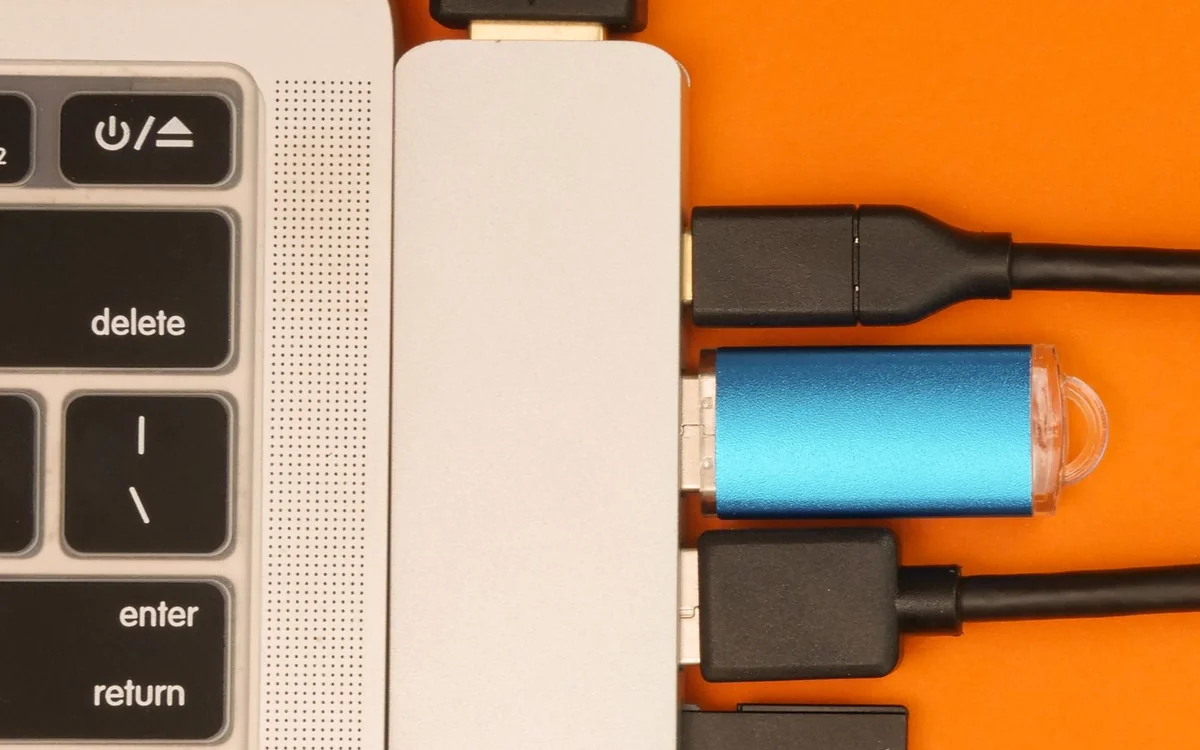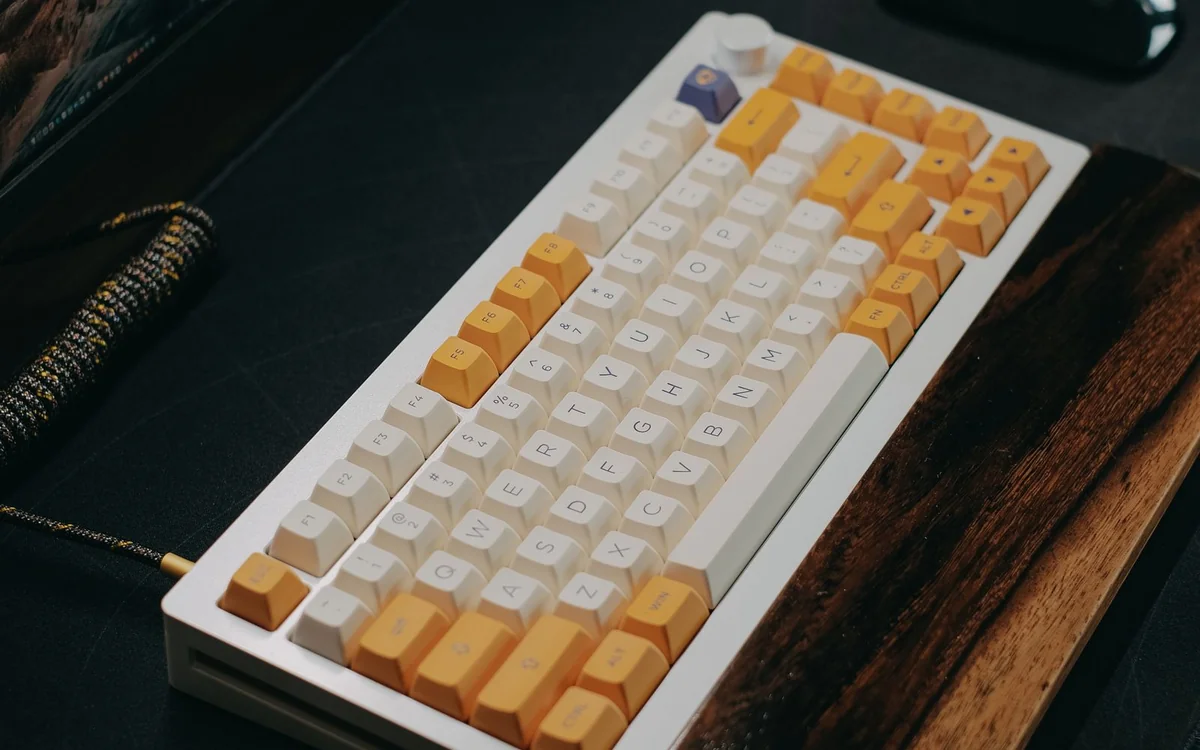
Shortlist a compact, appropriately quiet layout and confirm the precise switch variant. If silence is the main requirement, compare non-mechanical keyboards too.
Your keyboard has an audience
A mechanical keyboard may make typing feel more deliberate, but a shared office introduces another requirement: the people nearby must be able to work. The same applies to a kitchen table where a partner takes calls or a bedroom desk beside someone resting. A satisfying sound in a product video is not automatically a suitable sound for the room where you will type.
This guide uses manufacturer product and compatibility information, with practical buying analysis. Byte & Gear has not measured keyboard noise, typing speed or fatigue. We avoid declaring a switch silent or comfortable for everyone. Instead, the aim is to choose a plausible configuration, check the desk arrangement and assess the result in a realistic setting while the seller's return rules still apply.
Choose the switch variant deliberately
Logitech lists Tactile Quiet, Clicky and Linear variants in the MX Mechanical range. That is a useful reminder that one product family can contain meaningfully different choices. Confirm the exact variant in the checkout, not just the name on the promotional photograph. A colour or layout selection can also alter the available configuration, so read the final listing carefully.
A tactile feel, a click mechanism and a quiet design are separate considerations. Avoid assuming a familiar colour name means the same sound across every brand. If shared-space noise is the chief concern, investigate switches explicitly intended for quieter use, while remembering that the whole keyboard and the way you type contribute to the result. Marketing labels are a starting point for research, not an acoustic measurement.
Smaller can be more practical, until keys disappear
A compact keyboard creates room for a mouse and notebook, particularly on a narrow desk. However, saving space by removing frequently used keys can make work more complicated. Think about number entry, navigation, shortcuts and whether you work in software that expects function keys. A beautiful minimal layout is a poor bargain if you must repeatedly learn combinations for ordinary tasks.
Compare the layout with your current keyboard before ordering. Check language, punctuation placement and operating-system legends as well as overall size. A full number pad makes sense for regular figures; it may be unnecessary for writing and email. The right size is the smallest layout that supports your work comfortably, rather than the smallest product in the range.
Wireless convenience needs a workplace check
Wireless can simplify a desk, but an employer may restrict Bluetooth, receivers or companion software. Ask before paying for device switching and custom shortcuts. If a corporate laptop cannot run the required application, determine which features work without it. Basic typing and advanced configuration can have different compatibility requirements, even when a product describes support for the operating system.
A wired connection may be the simpler arrangement at a permanent shared desk. Conversely, moving between a work laptop and a personal computer can make documented device switching useful. Logitech describes multiple-device switching in the MX Mechanical range. Treat this as a feature to investigate with your equipment, not a reason everyone should choose a wireless model. Think about who else uses the desk and how connections will be managed.
Hot-swapping is useful only with verified compatibility
Some readers want to change switches later instead of replacing the keyboard. That can be appealing, but hot-swappable does not mean every switch fits every board. Keychron's Silent K Pro product information lists compatible families and versions, with important distinctions between normal-profile and other arrangements. Check the precise board, switch type and version rather than buying from a general category label.
Also decide whether you want a small maintenance project. Removing caps and switches can be enjoyable for an enthusiast and an unwanted chore for someone who simply needs to finish reports. A ready-to-use quiet option can be better value than a cheaper board that requires immediate modifications. Include compatible switches and tools in the total cost before comparing it with a complete alternative.
The desk itself changes the experience
A hollow desk surface, forceful typing and hard contact beneath the case can contribute to what people hear. A suitable mat may help the setup feel more settled, but we do not claim a measured noise reduction. Place the keyboard securely and check that the desk is not wobbling before concluding that a product needs replacement.
Consider the keyboard's height in relation to the chair and desk. A change from a shallow laptop keyboard to a taller board can alter how you hold your hands. Try sensible positioning and avoid making a new purchase carry the entire burden of an uncomfortable workspace. If discomfort persists, reassess the setup rather than accepting it because the keyboard was expensive or highly recommended.
Spend on the daily benefit
Backlighting can be useful in a dim room, but elaborate lighting effects do not make a keyboard more considerate in a shared office. Heavy cases, decorative caps and high-end enthusiast features may be enjoyable extras. Ask which of them changes your actual work. A documented quiet variant and a familiar layout can be more valuable than an elaborate configuration with the wrong keys.
Do not assume mechanical is mandatory. If near-silence, thin packing or a laptop-like feel leads your requirements, compare non-mechanical alternatives. This is a buying guide for choosing a suitable tool, not a justification for owning a particular mechanism. Retaining a functioning keyboard is also sensible when the proposed change offers novelty without resolving a real problem.
At a glance: choose for your routine
| Your situation | What to prioritise | The tradeoff |
|---|---|---|
| Shared room with frequent calls | Choose the precise quieter switch variant and assess the room | A tactile label does not establish an inaudible keyboard. |
| Small desk with a mouse | Keep the keys you use while reducing unnecessary width | Removing a number pad or navigation keys can complicate familiar tasks. |
| Managed work computer | Confirm permitted connections and software | Custom shortcuts and switching features may need unavailable configuration tools. |
| Planning switch changes | Verify the exact board and replacement-switch compatibility | Modification adds cost and effort compared with a ready-to-use choice. |
Options to consider
Compare the exact model, configuration and local warranty before ordering. Prices and availability can change; the links below open official product or brand information.
Logitech MX Mechanical, Tactile Quiet variant
Investigate a documented quieter variant and choose the layout that fits your work.
Consider the tradeoff: Confirm the exact switch choice. The product label is not a Byte & Gear noise measurement.
Explore at the official siteKeychron Silent K Pro switches
A possible modification route for a precisely compatible keyboard.
Consider the tradeoff: Not a complete keyboard; verify board version, switch compatibility and the total project cost.
Explore at the official siteYour questions answered
Does tactile mean quiet?
No. Tactile describes a feedback characteristic. Check the precise switch variant and the complete keyboard's intended noise profile.
Should I choose a hot-swappable keyboard?
Only if compatible switch changes are a useful project for you. A ready-to-use board can be the simpler work purchase.
Sources & methodology
Sources checked 7 October 2026. Recommendations are editorial judgments based on documented features, compatibility and everyday scenarios. Manufacturer performance figures are claims, not our measurements. Read our editorial policy.